Invitations
Personalised Digital Wedding Invitations with Instant Download
Select your favorite design, personalize the details online, and instantly download your digital wedding invite to share with family and friends.

Invitations
Select your favorite design, personalize the details online, and instantly download your digital wedding invite to share with family and friends.
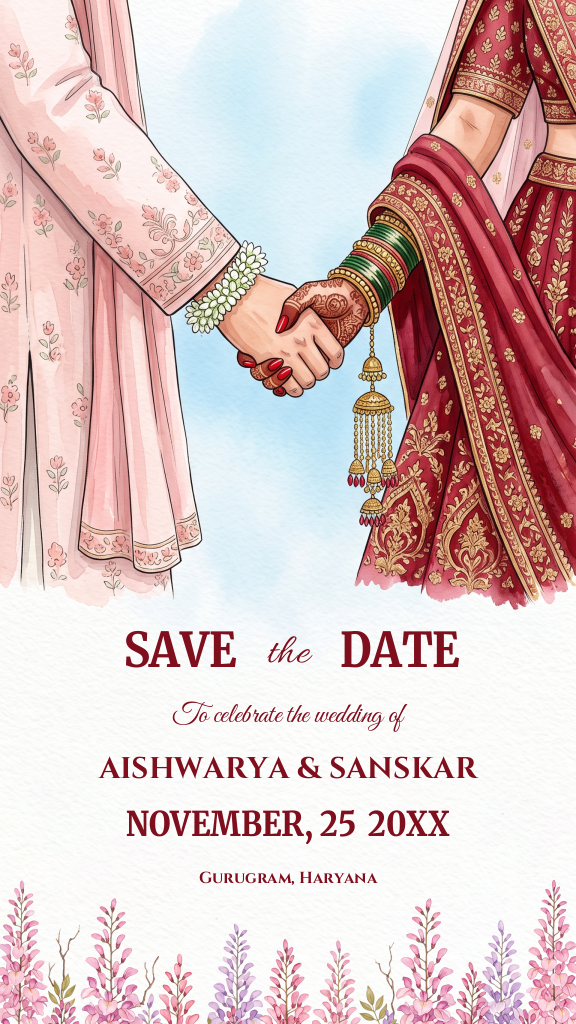
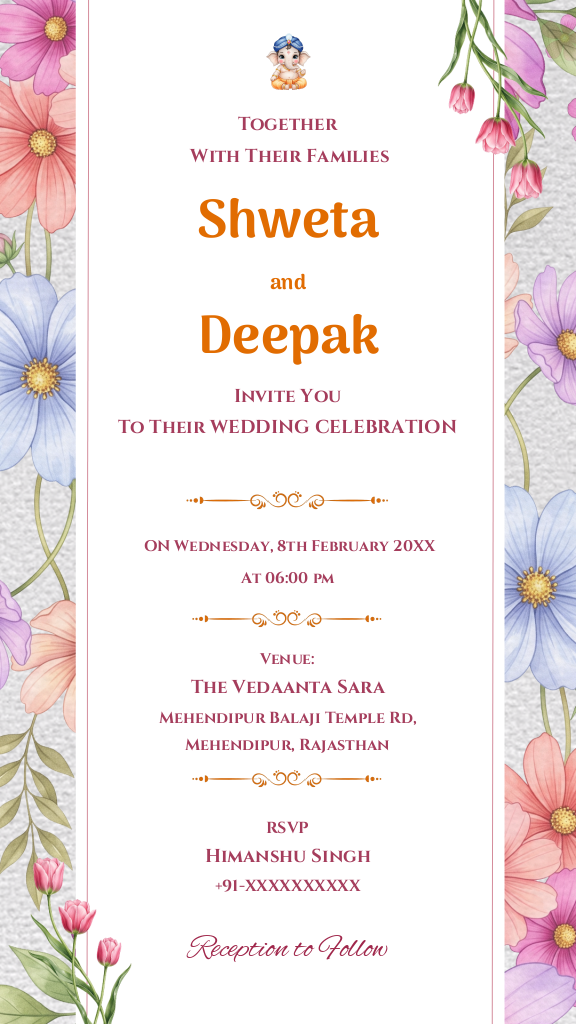
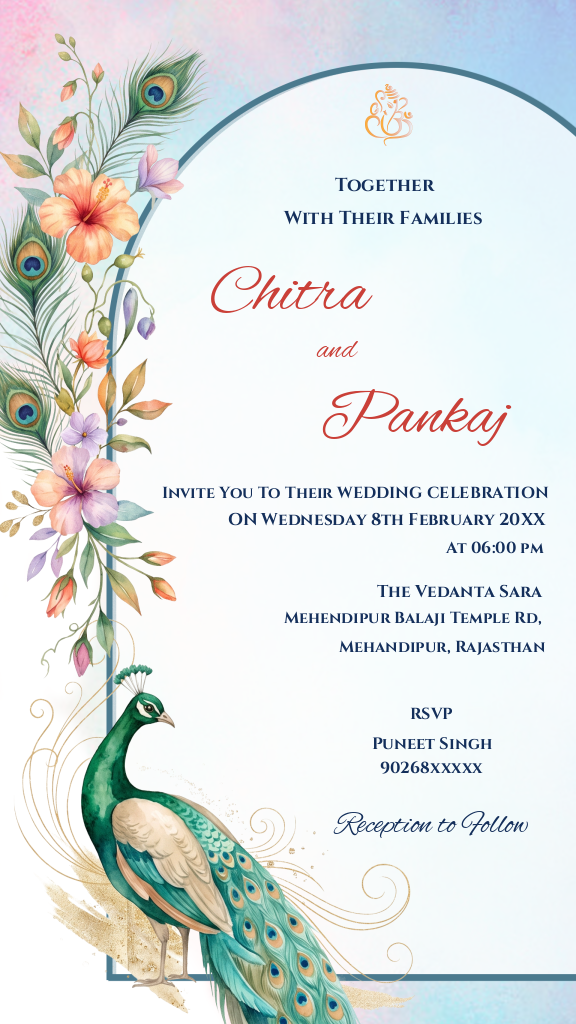
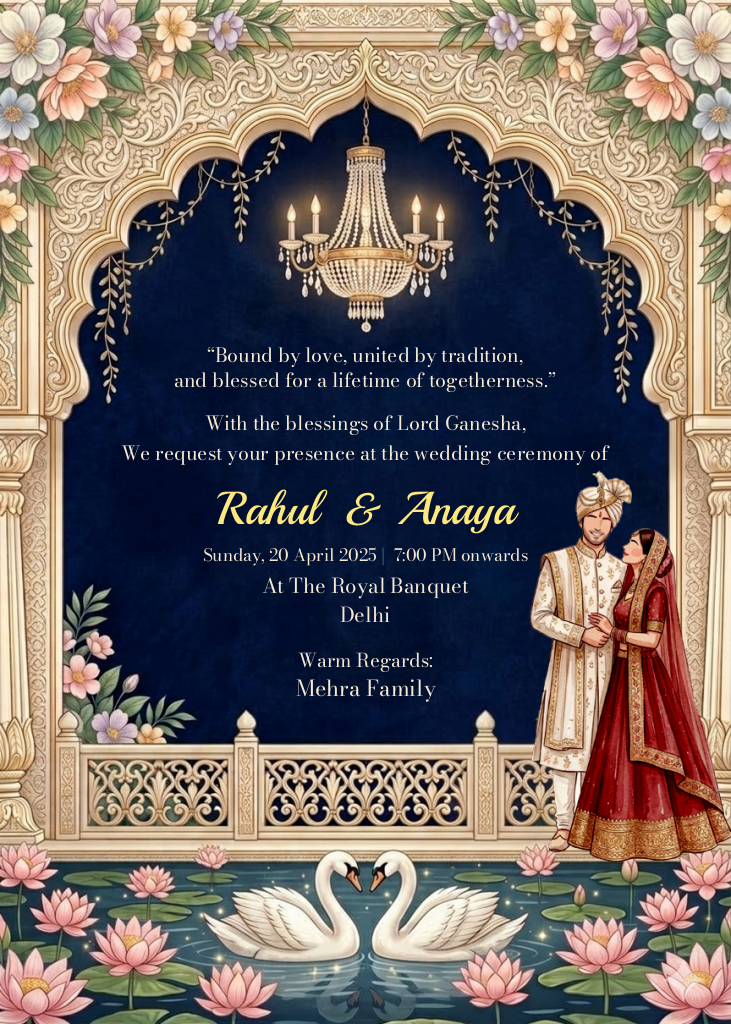
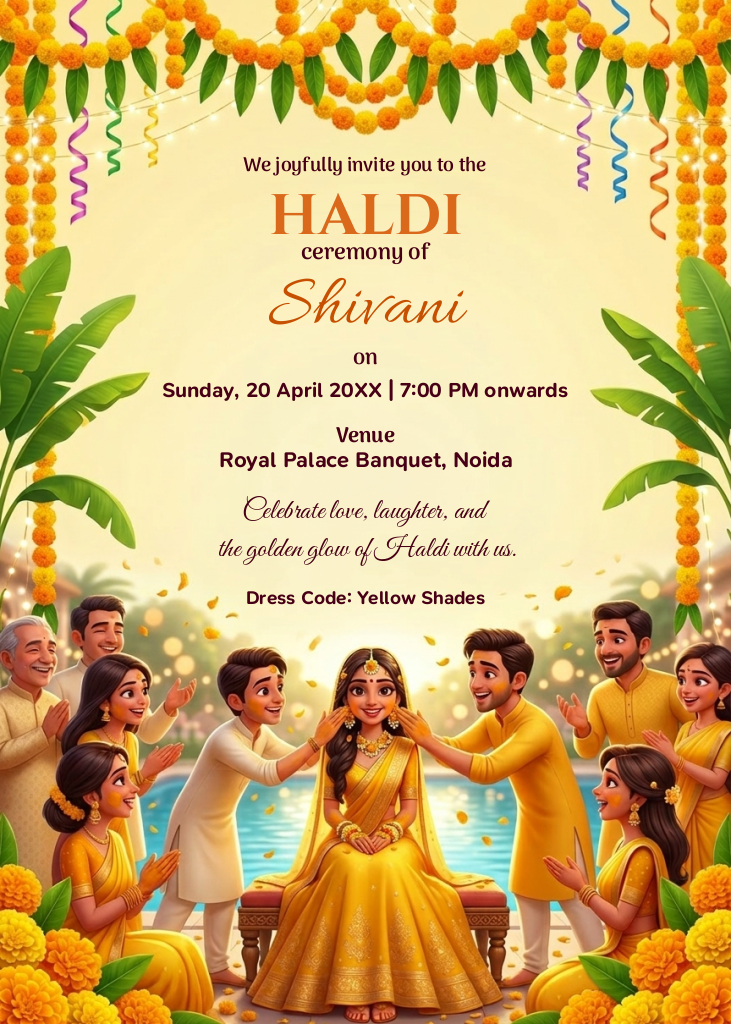
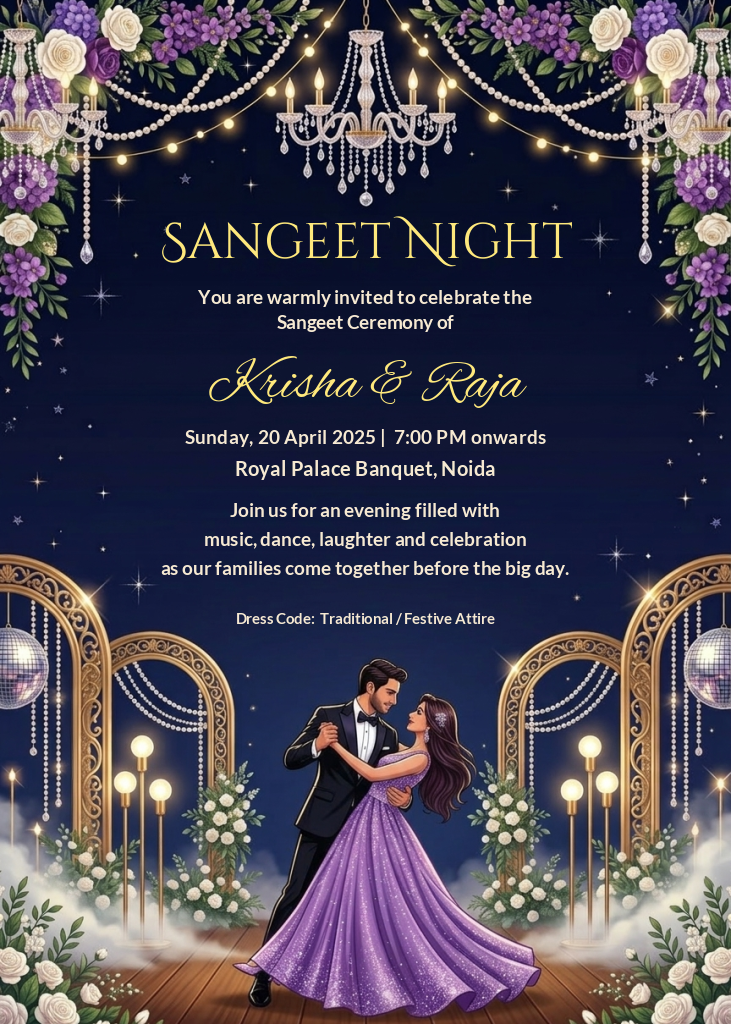
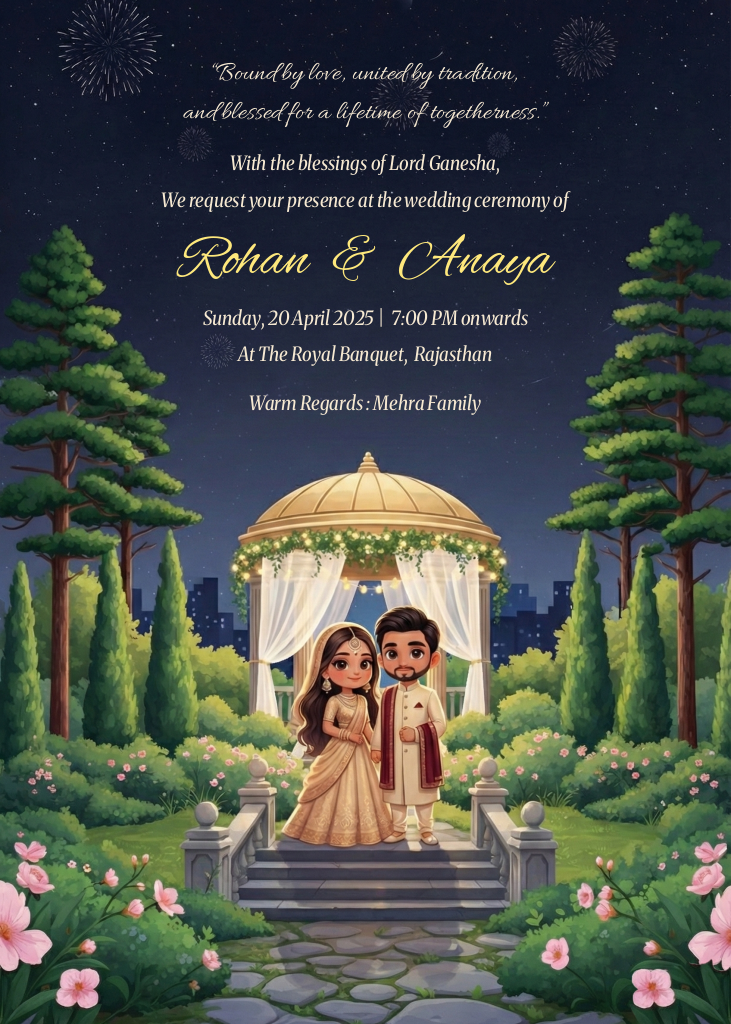
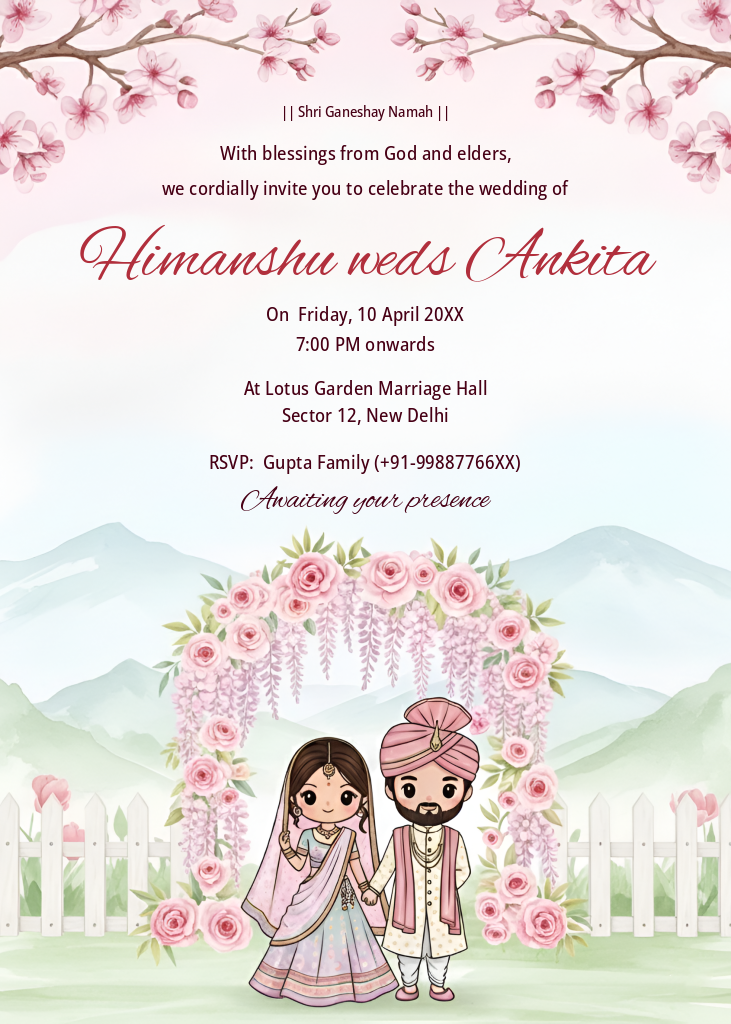
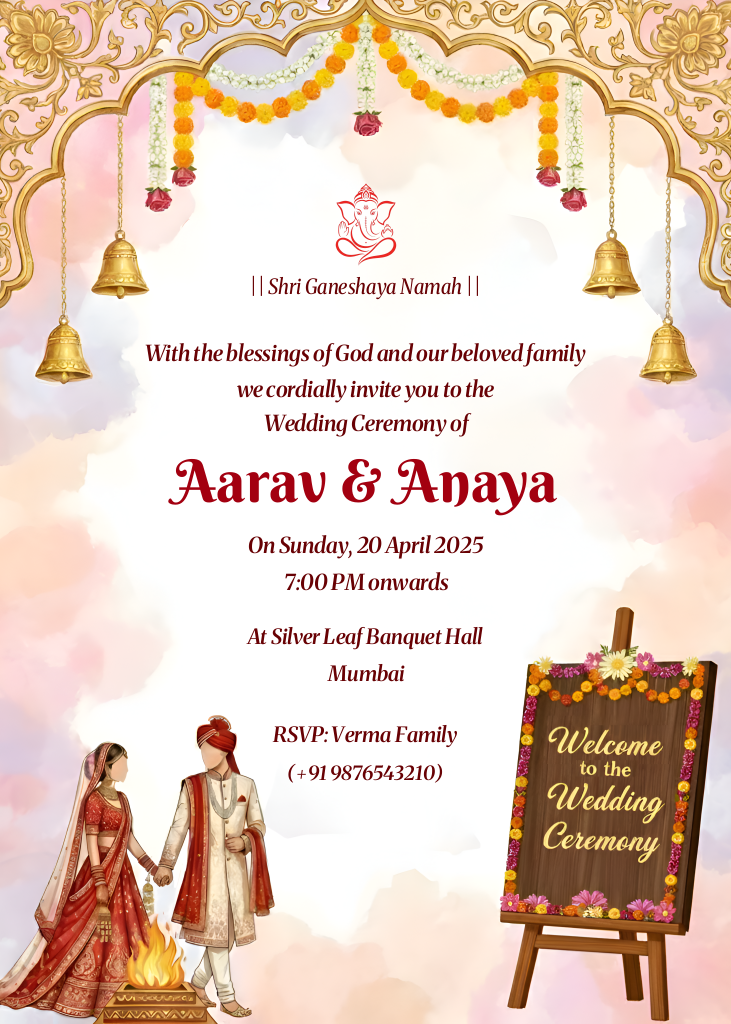
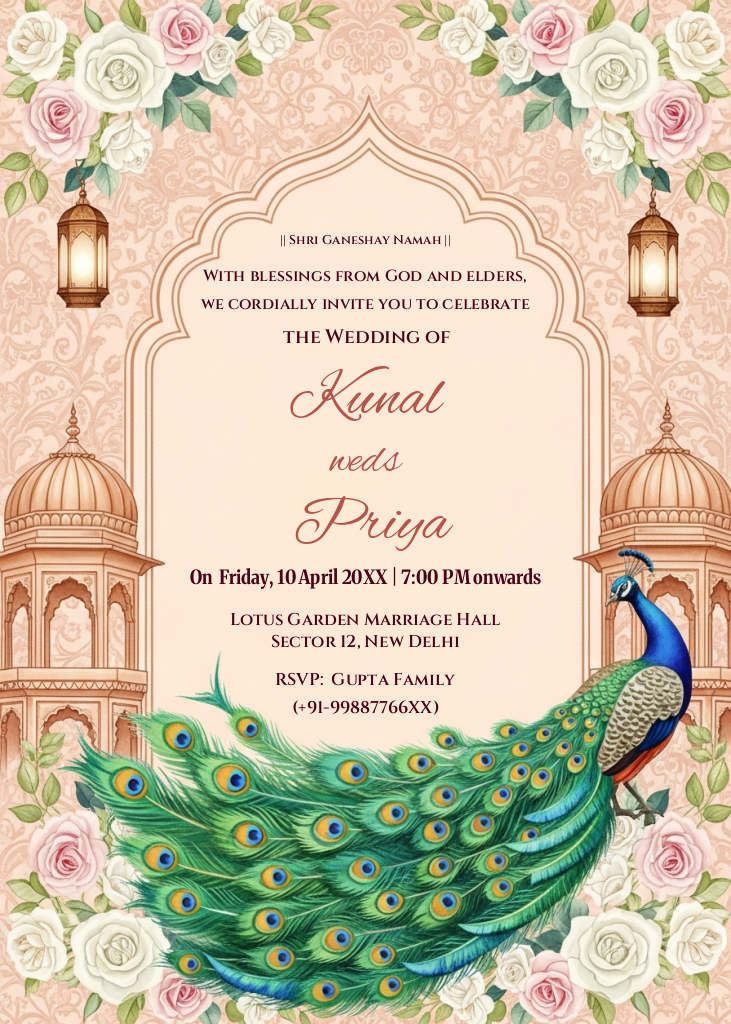
A wedding marks the beginning of a lifelong journey. Sharing this joy with friends and family starts with the right announcement. Our collection of digital wedding invitation templates allows hosts to announce their union, pre-wedding ceremonies, and receptions with ease. Transitioning from paper to paperless invites helps you reach global guests instantly while keeping your coordination stress-free.
Whether you are planning an intimate gathering or a grand multi-day celebration, we offer designs tailored to specific events and themes:
Our online editing platform makes customizing your chosen design straightforward. You can easily modify key details to suit your celebration:
Once the personalization is complete, download the final e-card instantly. You can share your custom invite via WhatsApp, email, or social media platforms to ensure all your guests receive their invites instantly.
To ensure your digital invitation is clear and guest-friendly, keep these tips in mind. Use high-contrast colors for text so dates and addresses are highly readable on mobile screens. Keep the wording clear and concise, placing the most critical details like the venue and time in prominent positions. If you are celebrating multiple functions, consider using dedicated designs for separate ceremonies like the Haldi or Sangeet to keep guests well-informed about schedules.
Select your preferred template, use our online editing tool to fill in details like names, dates, venues, and RSVP information, then save your changes.
Yes. We have specific designs like the Vibrant Marigold Haldi and Royal Floral Sangeet templates, allowing you to create dedicated invites for each ceremony.
After customizing your card, download it directly to your device. You can then send it to guests via WhatsApp, email, or any social media platform.
Yes, all text fields on our templates can be personalized online with your custom dates, location, and announcement wording.